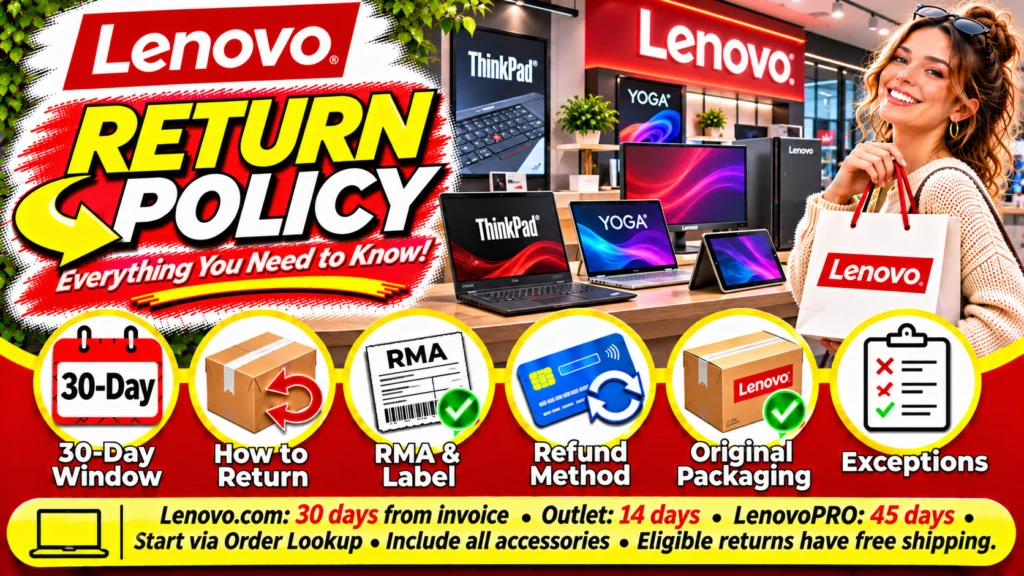
The Lenovo Return Policy generally gives U.S. Lenovo.com customers 30 calendar days from the invoice date to request a return. Different storefronts have different deadlines: Lenovo Outlet allows 14 days, while LenovoPRO lists 45 days. Eligible standard returns are advertised without return shipping or restocking charges, although important exceptions apply.
Before packing your computer, identify the seller, check your invoice, and obtain return authorization. Keep the request deadline separate from the deadline for getting an authorized shipment back to Lenovo.
This guide covers direct U.S. purchases, with a separate explanation of qualifying Best Buy pickup orders. Purchases from other retailers require checking that seller’s policy.
Lenovo Return Policy at a Glance
| Policy Detail | Current Rule |
|---|---|
| Lenovo.com | Request within 30 calendar days of invoice |
| Lenovo Outlet | 14 calendar days from invoice |
| LenovoPRO | 45 calendar days from invoice |
| Standard Eligible Returns | No return shipping or restocking fee |
| Fee Exceptions | Servers, storage, personal-computing orders exceeding five units, and late submissions |
| Refund Destination | Original payment method |
| Refund Timing | Allow 5–10 business days for receipt, inspection, and issuance; another 2–10 business days for payment posting |
The windows, fee exceptions, and refund estimates above come from Lenovo’s U.S. shopping FAQ.
Understanding Your Return Deadline
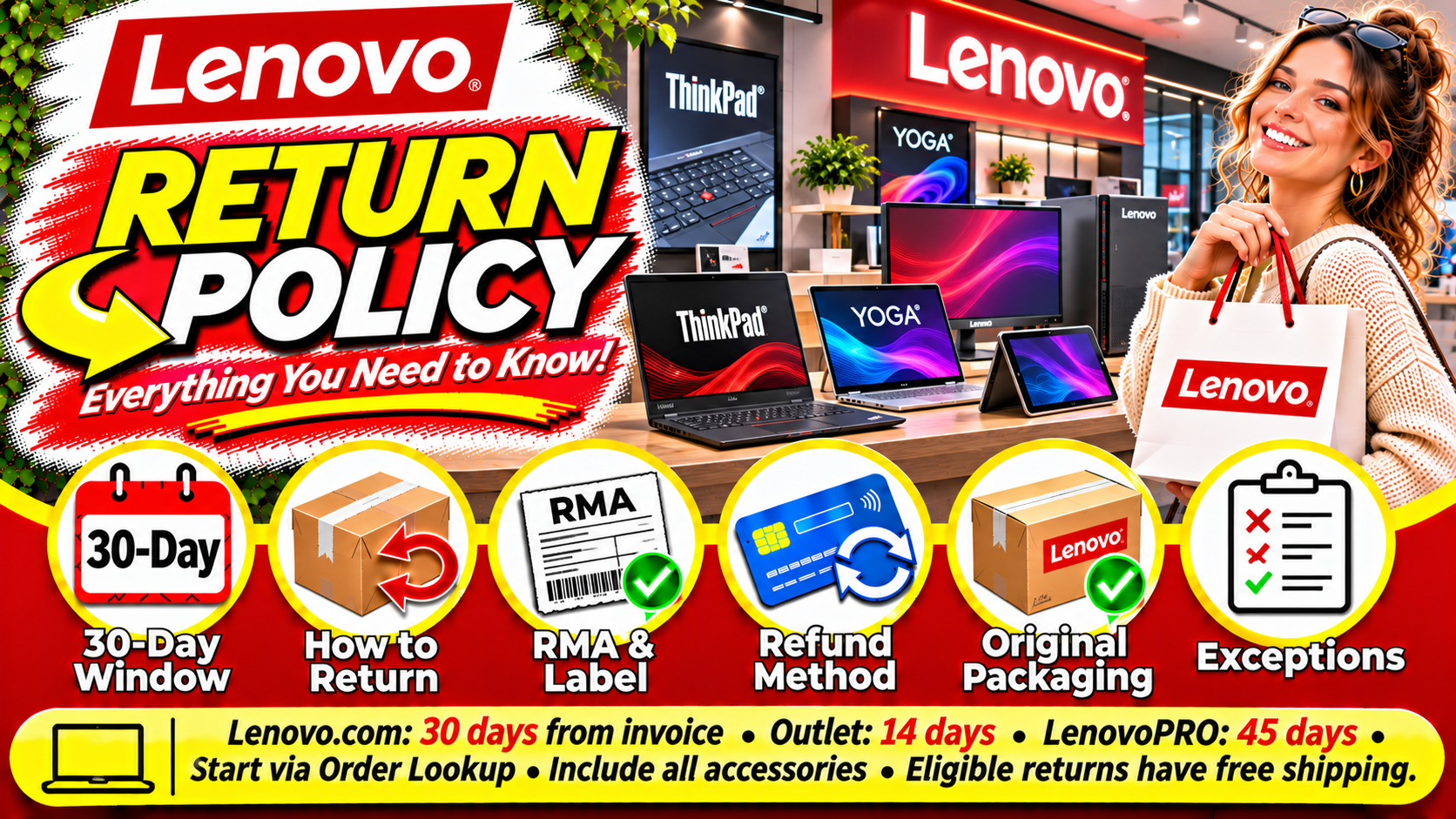
Use the invoice date when calculating a direct-purchase return deadline. Do not substitute the order date or delivery date.
Also check the instructions issued with your Return Merchandise Authorization, or RMA. Lenovo’s published sales agreement requires authorized returns to reach its return center within 10 calendar days after RMA issuance. Requesting authorization and completing the shipment are separate steps.
As a practical precaution, start early enough to resolve missing packaging, an unavailable label, or a carrier delay. If your instructions appear inconsistent, ask Order Support to confirm the deadline in writing before shipping.
How to Return an Item to Lenovo
Use Order Lookup to initiate the return. Lenovo says the processed request produces an email containing the RMA, label, and instructions within 48 hours.
Pack the complete product in its original box with accessories and packaging. Attach the provided label without covering any battery warning, then hand the package to UPS in the original delivery country.
Before handoff:
- Match the device and accessories to the authorized order.
- Photograph the packed contents for your records.
- Save the authorization email and tracking number.
- Obtain a carrier acceptance receipt.
These recordkeeping steps are practical precautions; they help document what you shipped and when.
Packaging, Opened Products, and Software
Return the whole product with its accessories and original packaging. Lenovo’s sales agreement also calls for documentation, including the invoice, RMA, and original shipping label. It does not provide partial refunds for components or quantities that were not separately priced.
For an opened computer, describe its condition accurately when requesting authorization. Avoid assuming that approval for one device establishes eligibility for damaged, modified, or incomplete equipment.
Separately Purchased Software
Separate software has stricter restrictions. Physical software must remain sealed; electronically delivered software requires that you have not accepted its license terms. Eligible requests must be made within 30 days of invoice, and digital returns require Lenovo’s destruction confirmation.
Before returning a computer, back up needed files and ask for any applicable data-removal instructions.
Return Shipping Fees and Restocking Charges
Lenovo’s shopping FAQ identifies a 15% restocking fee plus return shipping and handling for servers, storage, personal-computing orders exceeding five units, and submissions outside the applicable period. It excludes Lenovo’s wrong-product and configuration errors from those charges.
There is a material wording difference: Lenovo’s published sales agreement describes fees more broadly than its shopping FAQ. If a fee appears on an otherwise qualifying standard return, request an order-specific explanation before proceeding.
Do not interpret a late-return fee as guaranteed permission to return after the deadline. Obtain approval first.
For an expensive order, ask for an itemized refund estimate showing any deductions and the treatment of original delivery charges.
Can You Return a Lenovo Order to Best Buy?
Qualifying Lenovo partner orders collected at Best Buy can be returned to a Best Buy store. Best Buy’s partner guidance generally allows Lenovo returns within 30 days of pickup, making the starting date different from Lenovo’s standard invoice-based rule.
Bring the pickup confirmation and order details. Confirm that the transaction was a qualifying partner pickup before making the trip.
A Lenovo product purchased directly from Best Buy is a separate transaction. Check that purchase’s applicable terms rather than assuming the partner-pickup rule applies.
Damaged, Incorrect, or Misconfigured Orders
Inspect deliveries promptly and report problems while the return period remains open. Include photographs, the order number, and a clear description of what differs from your order.
Lenovo’s sales agreement expressly permits a return or exchange when Lenovo ships the wrong product or configures it incorrectly. That provision does not establish an unrestricted exchange program for preference changes.
Ask support to confirm whether your case will proceed as a refund, replacement, exchange, or technical-service request.
Missing Receipts, Delayed Refunds, and Return Problems
Start by locating the order confirmation and invoice. If you cannot identify the purchase, ask Order Support for help before mailing anything. Do not assume an unidentified device can be exchanged for store credit.
For a delayed refund, keep three records together: carrier delivery confirmation, Lenovo’s return reference, and any refund notification. Ask support which stage remains incomplete.
If a return is refused, request the specific reason and compare it with your authorization and purchase terms. For a fault outside the return period, check the device’s warranty coverage separately; a warranty inquiry does not automatically reopen a refund deadline.
Contacting Order Support
Lenovo lists 1-855-253-6686, option 3, for U.S. home-order assistance, alongside online chat and Order Lookup. Have your order number and return reference ready.
Read Next
Explore more helpful guides from this category.





Frequently Asked Questions
Does the Return Period Start When My Laptop Arrives?
For standard direct purchases, use the invoice date. Qualifying Best Buy partner pickup orders have a separate pickup-based rule.
Does Lenovo Outlet Have the Same Deadline?
No. Check the Outlet window in the table before starting your request.
Are All Lenovo Returns Free?
No. Order type, quantity, timing, and the reason for return can affect charges. Confirm any proposed deduction before shipping.
Can I Return Only Part of a Computer Bundle?
Do not assume so. Ask whether the component was separately priced and authorized for an individual return.
Can I Exchange a Laptop for Another Model?
Request order-specific instructions. The documented wrong-product exchange provision does not promise general model exchanges.
Can I Return After the Deadline by Paying a Fee?
A listed late-return charge does not guarantee acceptance. Obtain Lenovo’s approval before sending the product.
Should I Assume Holiday Purchases Have More Time?
No. Use a holiday extension only when Lenovo’s applicable terms explicitly cover your purchase. Save those terms with your order records.
Conclusion
The most useful first step under the Lenovo Return Policy is identifying your purchase channel and invoice date. Then obtain authorization, check the shipment deadline, and confirm any deductions before handing over the package.
Keep the complete product, accessories, purchase records, and return instructions together. For partner pickup orders, software, bulk purchases, or an order problem, verify the applicable process before packing. Save carrier acceptance and delivery records until the refund is resolved. Clear documentation and an early request give you the best opportunity to address problems while your return remains eligible.